
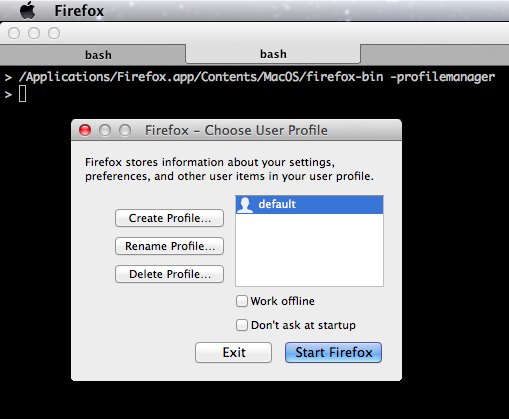
###Firefox: Start with Profile Manager in OS X###
/Applications/Firefox.app/Contents/MacOS/firefox-bin -profilemanager
###Firefox: Start with Profile Manager in Linux###
./firefox -profilemanager
###Firefox: Start with Profile Manager in Windows###
Try one of these commands, either in the run dialog box or in the command line:
firefox.exe -profilemanager
firefox.exe -P
“C:\Program Files\Mozilla Firefox\firefox.exe” -P
“C:\Program Files (x86)\Mozilla Firefox\firefox.exe” -P
